xTool M2
The Easiest Craft Laser with Color Printing for Everyday Making.

Top Projects Loved by Creators

Wooden Door Sign, Family Name Sign
Wooden Door Sign, Family Name Sign, Engagement Gift, Housewarming Gift, Personalized Sign, Last Name Sign, Front Door Welcome, Wedding Gift

Pet Dog Frame
Personalize it in seconds! Enter your dog's name, choose your preferred size, and export the file ready for laser cutting or blade cutting.

Laser Cut Reindeer Wall Art Decoration
Create your very own Reindeer Decoration. Use this file to make your very own signage, ornaments, or DIY craft kit to color or paint.

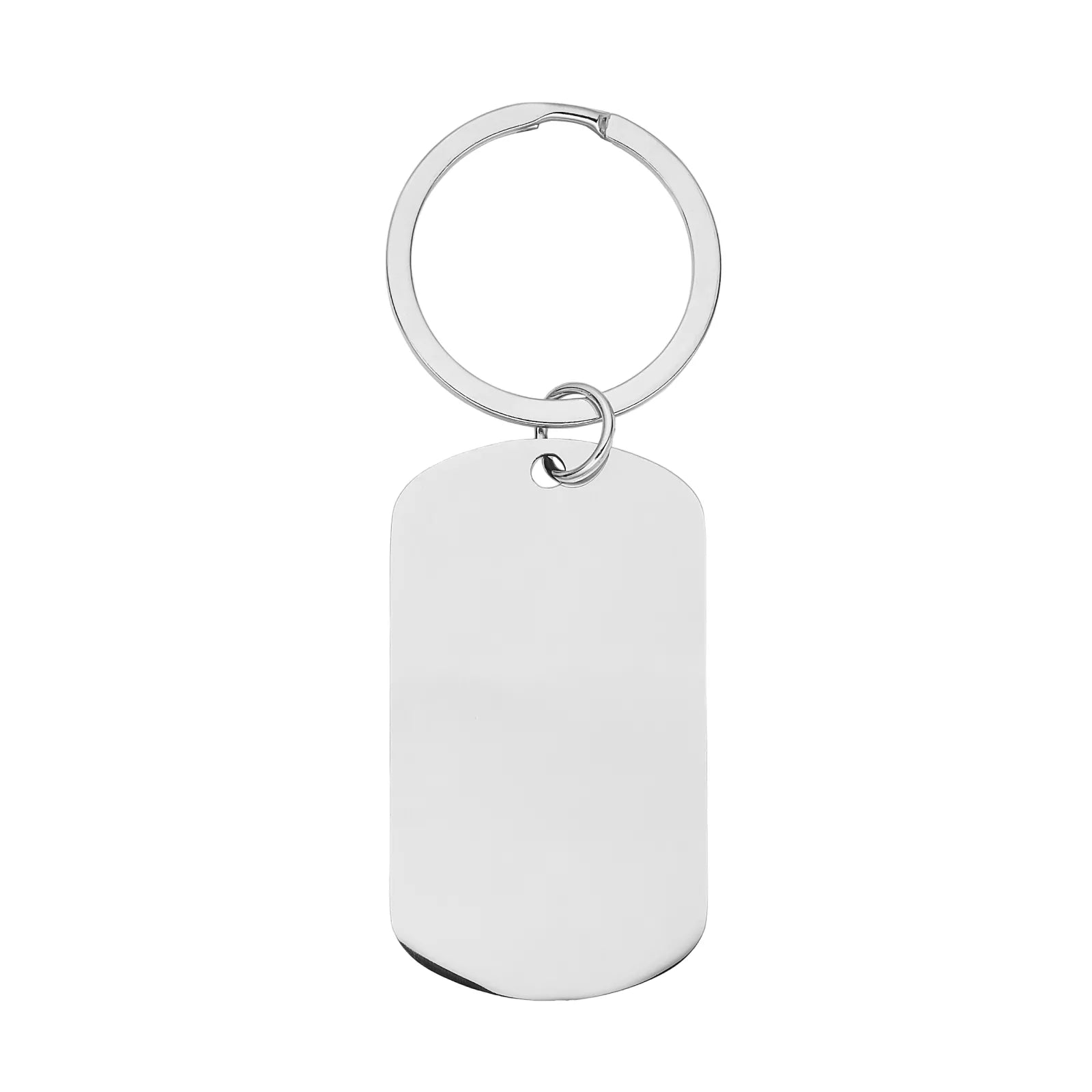
Snap Fit Keychain No Glue Fun Creative Style
More than just a name—a keepsake of the moments you'll cherish forever.

Baby newborn frame
Capture the very first moment. Engrave your baby's name, birthdate, weight, and time — a keepsake frame they'll treasure forever. 🩶

Laser Cut Colorful Christmas Light Bulb Ornament Decoration
A very vintage Christmas bulb decoration. Use this file to create your own Christmas signage, DIY craft kits, and ornaments.

Family photo frame
Every family has a story. This forest-themed frame brings it to life — trees, a bear, and nature details carved in wood.

Laser Cut Cowboy Snowman Christmas Ornament Decoration
Use this file to create your own Snowman Decoration, or use the alternate ornament backer.
Genuine Praise from Real Users

Meet the Atomm Sticker Generator — turn digital artwork into printable stickers in seconds.From cute decorative decals to custom name stickers, craft unique personalized stickers for daily use, gifts and craft projects.
Choosing the Right Material for Your Project
 % off
% off
 % off
% off
% off
% off
% off
% off
 % off
% off
 % off
% off
% off
% off
% off
% off
 23% off
FAQ
The inkjet module can print on fabrics, boards, printing paper, and similar materials. However, it cannot print on very dense or smooth surfaces such as metal, glass, and ceramic, as the ink cannot penetrate or adhere properly. These materials can be printed on after applying a suitable ink-receptive coating.
Ink longevity depends on your usage frequency. Under the ISO/IEC 24712 standard at 5% coverage, a single cartridge yields approximately 400 pages. To extend ink life: Adjust ink density settings based on material type Always secure the ink cap after use Replacement: Ink cannot be refilled. Please purchase a new cartridge and follow the replacement instructions in the user manual.
With M2's horizontal laser output, it engraves 0–100 mm objects like tumblers, balls, and rings — no riser base required.
If you use the laser function regularly, an air purifier will significantly improve your experience. We recommend the SafetyPro™ AP2 Air Purifier: designed for indoor use, it effectively filters air and removes odors. Already own an xTool desktop air purifier? Contact us for a free connector accessory.
To reduce laser energy transfer and prevent yellowing along paper edges: Use a metal honeycomb base Or create a hollow wooden base plate to minimize contact between the paper and the work surface These methods help dissipate laser energy and reduce scorch marks.
No. The M2 features a built-in air pump. It delivers the exact same clean results as an external setup. Users can adjust the air pump's power output based on their specific engraving or cutting needs. Note: The M2 does not have an external air port, so connecting a third-party air pump is not supported.